Self-contained · scaffolds with zero network access

Scaffold a Go app,
in under a minute.

Nexler is a scaffolding CLI for the Nexler Go web framework — like django-admin startproject or rails new. It generates the handlers/services/store/models layout your app follows, wires new routes into it, and vendors front-end assets from npm.
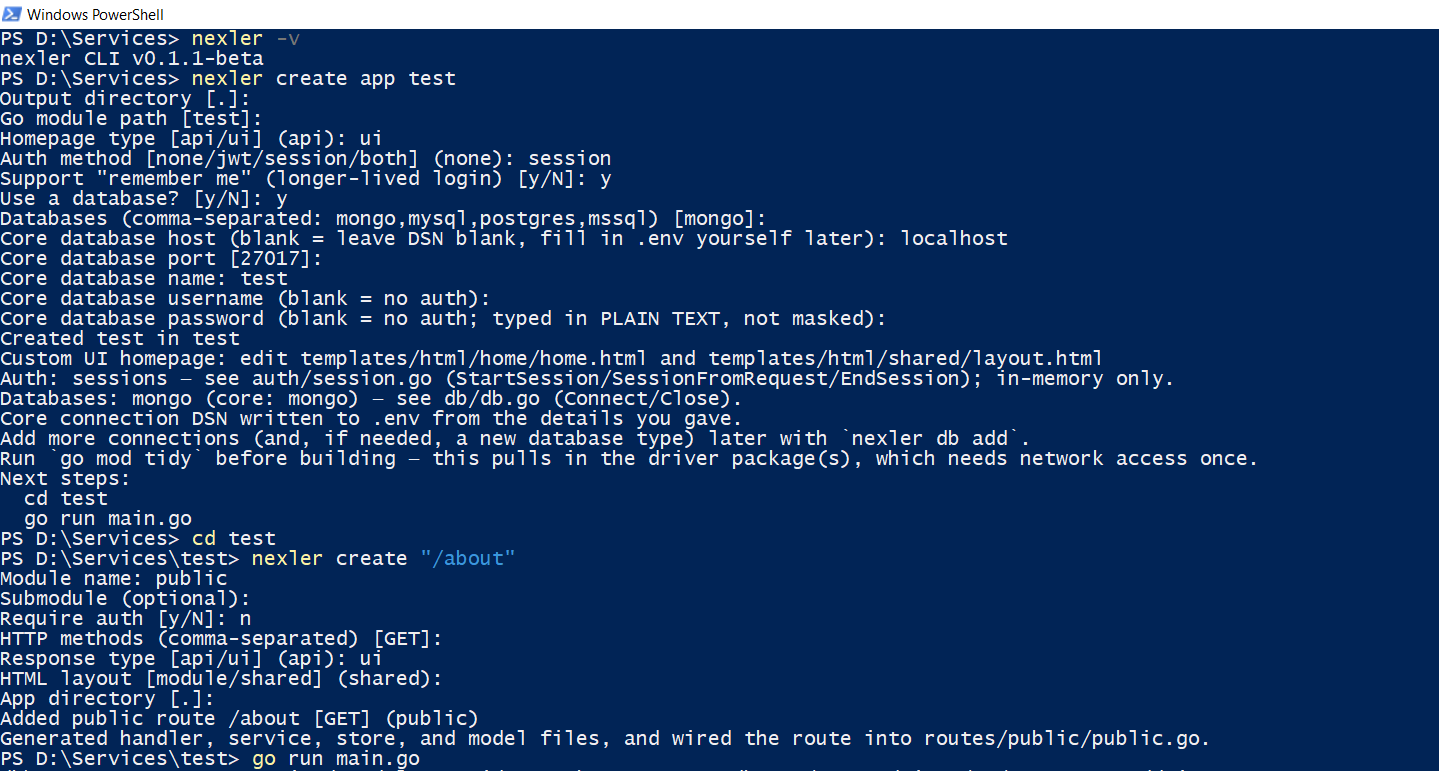
Terminal running nexler create app and nexler create /about, scaffolding a Go app in seconds
Download and run the installer
// download the latest installer, then run it
nexler-setup.exe

Download nexler-setup.exe — walks you through choosing an install location, checking for Go 1.26+/npm (and installing either if missing), a Desktop + Start Menu shortcut, and adding nexler to your PATH.

Download and run the installer
# download the latest .pkg, then run it
open Nexler.pkg

Download Nexler.pkg — unsigned for now, so Gatekeeper will block it on first open; run xattr -d com.apple.quarantine Nexler.pkg first. Links nexler into /usr/local/bin and adds a Launchpad/Desktop shortcut.

Install with Go
# works on any platform with Go 1.26+ already installed
go install github.com/klivolks/nexler/cmd/nexler@latest

Make sure $(go env GOPATH)/bin is on your PATH — that's where go install puts the binary.

Scaffolding

Generates the handlers/services/store/models layout for a new app, and wires new routes into an existing one automatically.

Zero network to scaffold

Every template is embedded into the binary via go:embed — creating an app or a route needs no network access at all.

Extensible

nexler add vendors front-end packages from npm; nexler init kpass/init kgate wire in Klivolks' own services.

From zero to running app

Same four commands, every platform

Whichever way you installed it, using Nexler looks the same everywhere.

01

Create your app

nexler create app myapp

02

Add a route

nexler create /path -module ...

03

Build and run

go build ./... && go run main.go

04

Extend it

nexler add bootstrap, nexler init kpass

Open source, verifiable releases

Nexler is MIT licensed — use it however you like. Every release artifact is signed with cosign, verifiable with the public key committed in the repo: cosign verify-blob --bundle FILE.bundle --key cosign.pub FILE